Three ways to use this site
Learn how it was made
Want to build tools like this for yourself, by prompting an AI agent? The free Fundamentals course from Prompt It Yourself teaches you how, step by step.
Go to learn.promptityourself.com →Try it out
All courses, flashcards, levels and badges, printable tests and the phone app work without an account. Your progress is saved in your own browser.
Open the free courses →See the members side
Some parts are for invited members only. Registration is closed, so this page shows them with pictures and a real example.
Jump to the members features →Registration is not open. This site was built as a working example, not as a service. You can't sign up, so the member features are shown on this page instead.
Everything marked “Open to everyone” below, you can try right now.
9 free, hands-on courses
Short courses for beginners: the terminal, GitHub, Claude Code commands, API keys, Cloudflare, AI pictures, automatic testing, the history of the internet, and even your body in Latin.
- Lessons split into parts, with practice goals you tick off
- Real photos with credits, animated diagrams, a glossary and video picks
- A certificate when you finish a course
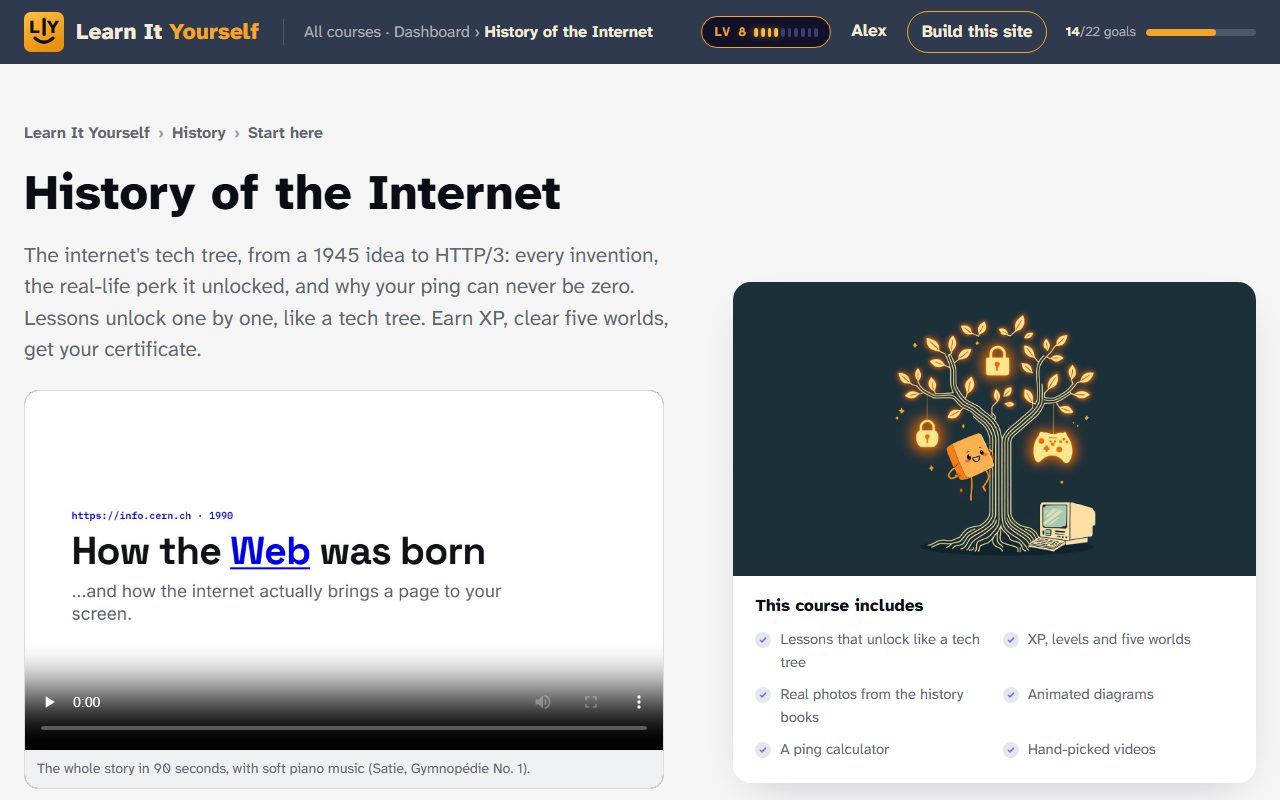
Levels, XP and badges
Every practice goal you tick gives 100 XP. XP raises your level (13 levels, from Newcomer to Legend) and milestones earn badges (17 badges, from Common to Legendary). One player card counts every course.
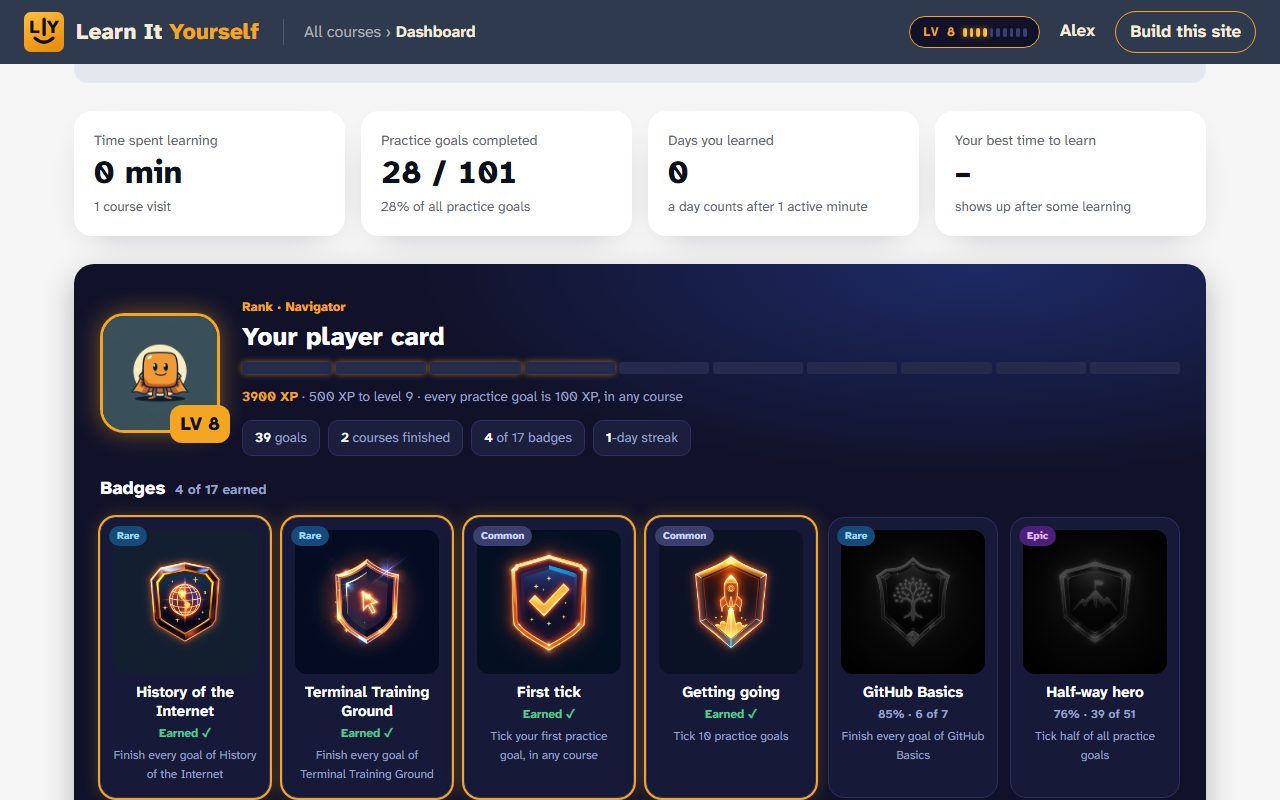
Flashcards and practice games
A practice kit shared by all courses: flashcards that come back until you know them, a “point at it” picture quiz and a word builder. On a phone, cards fill the screen and you swipe them away.
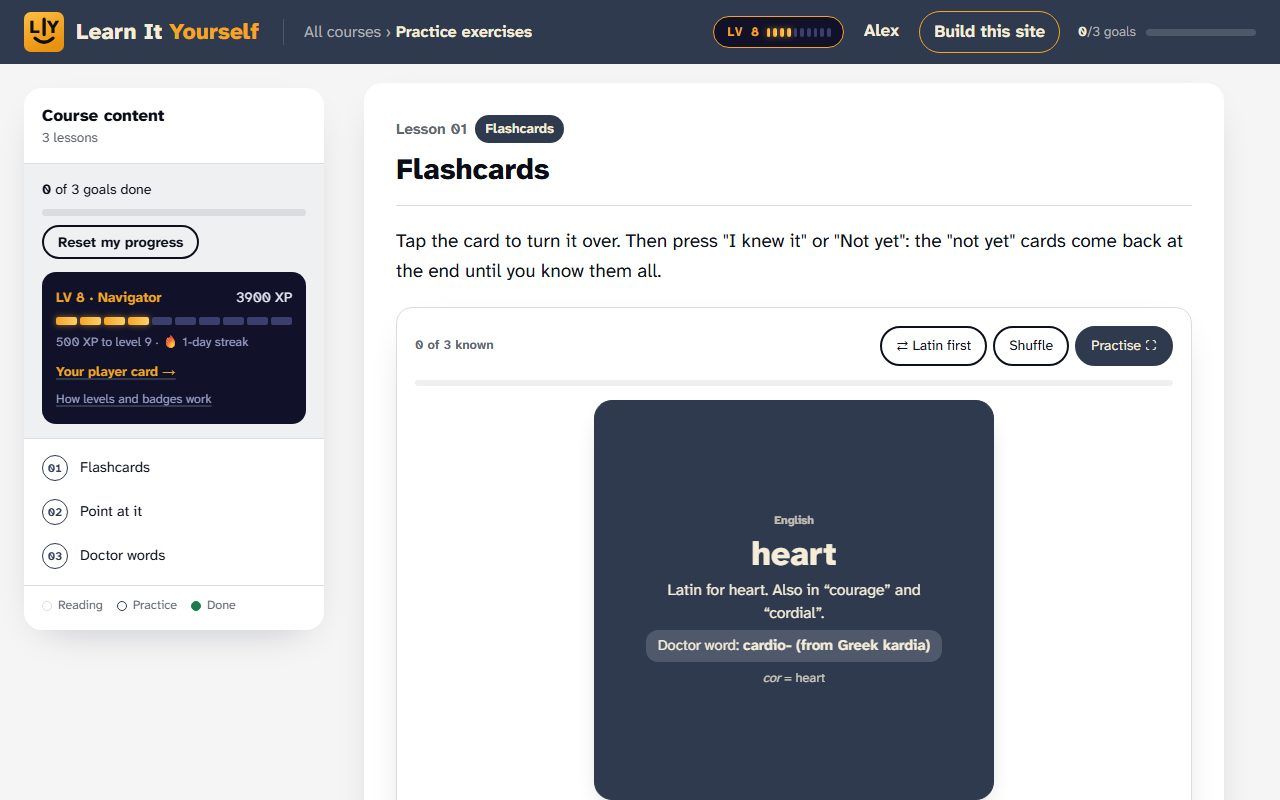
Works as a phone app
No App Store needed: open the site on your phone and add it to your home screen. It opens full screen, with its own icon, and pages you have opened before still work without internet.
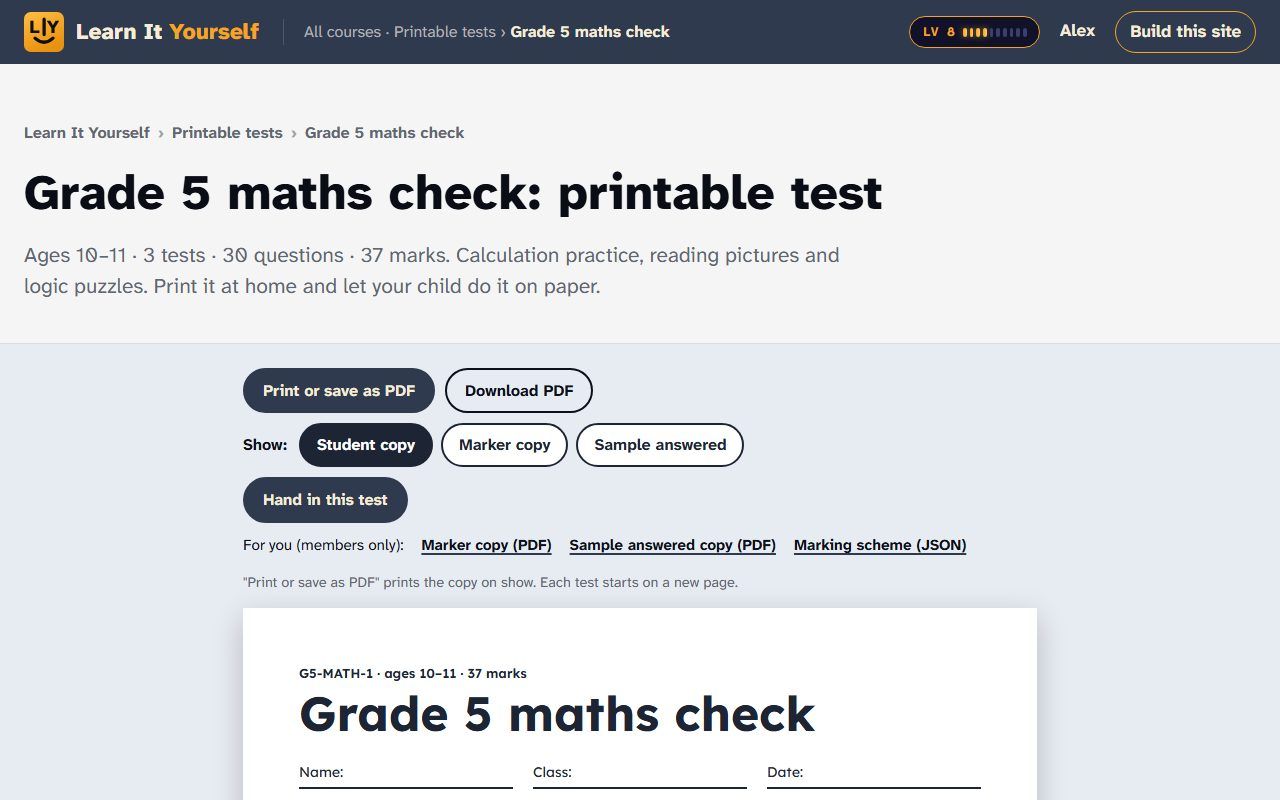
Printable tests for parents
Paper tests a child does at home with a pencil, starting with a Grade 5 maths check: 3 short tests, 30 questions, 37 marks. Anyone can print the student copy. Members also get the answer copy and the marking scheme, which are never in a public file.
The members side
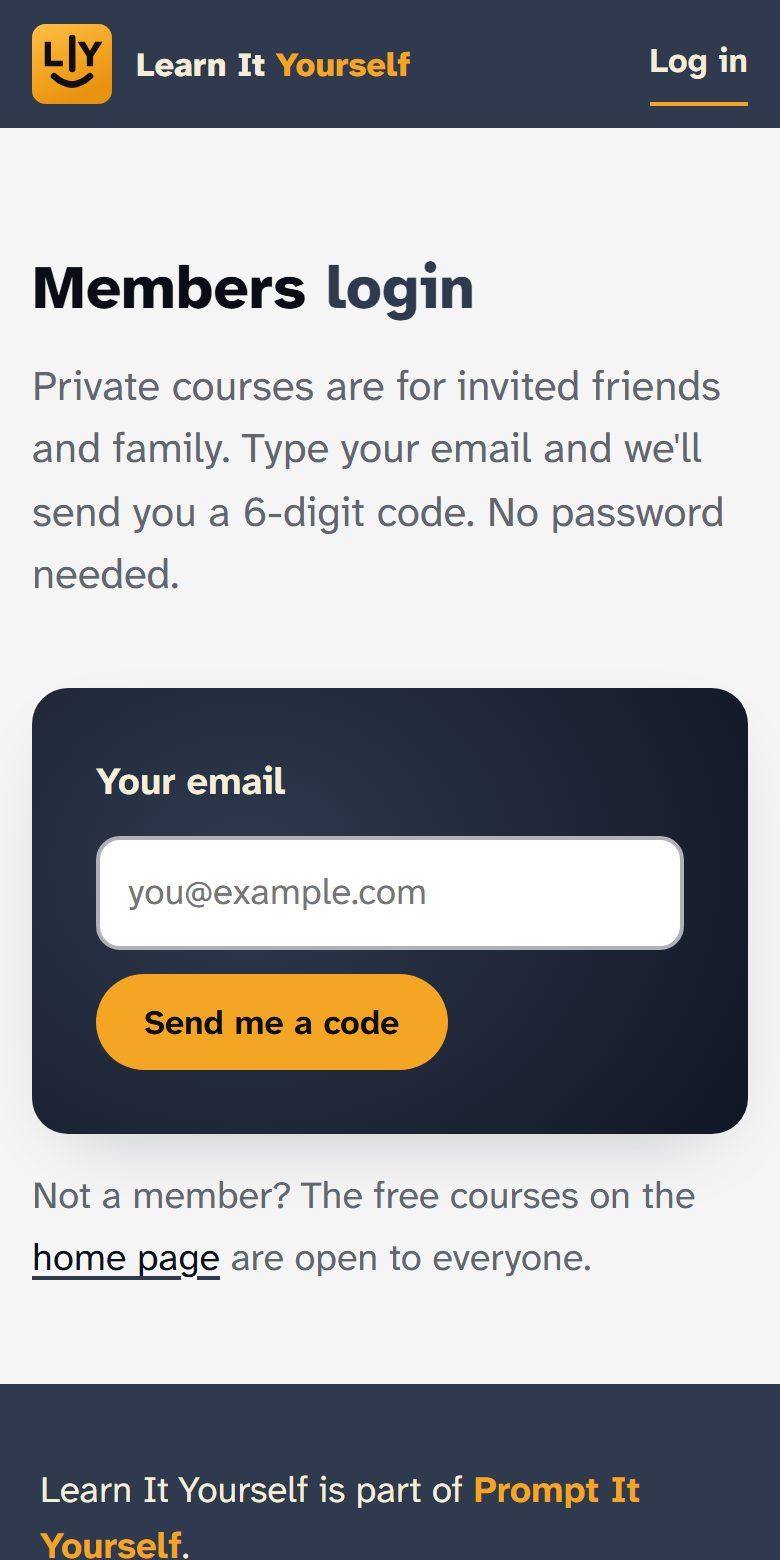
Invited members log in and get more: their progress follows them to any device, a profile page, a weekly email and, for parents, test marking. Here is what each part does and what happens behind the scenes.
A login without passwords
Members type their email and get a 6-digit code. No passwords to forget. Only people on the member list get a code; Mate adds people by asking Claude in the chat.
- Progress and name are saved to the account and follow you to any device
- A profile page to change your name, reset progress or switch the weekly email off
- Built by us on Cloudflare, so there is no cost per member
Hand in a test, get it marked by an AI agent
The most ambitious part. A parent hands in a finished paper test as a PDF. An AI marking agent reads the child's handwriting and proposes marks, Mate checks them, and the family gets a results page, the marked paper and an email. Three Claude Code projects worked together to build it: one writes the tests, one runs this website, and one is the marking agent.
- The child does the test on paperThe parent prints the Grade 5 maths check, the child does it with a pencil, and the parent scans or photographs it into a PDF.Parent
- Hand it in on “My tests”The parent uploads the PDF. It is stored privately: only that family and Mate can open it. Only PDFs up to 15 MB, and a few a day.Website
- The marking agent reads every pageIn its own project, Claude collects the waiting test through a locked back door, turns each page into a picture, and reads the handwriting, the drawings and the working.Marking agent
- It proposes marks and tipsUsing the marking scheme, which never leaves the server, it suggests a mark for each question, a kind tip written for a child, a note for the family and a “practise next” list.Marking agent
- Mate checks before anything is sentA review screen on Mate's own computer shows every mark. One click changes a mark. Nothing goes out until Mate presses “Approve and send”.Mate, the human
- Results, red pen and an emailThe agent writes ticks, crosses, tips and totals onto the PDF and adds a report cover. The site shows a results page and sends a short “test is marked” email.Website
A real example: Anna's test
This test was handed in and marked on the live site on 23 November 2026, start to finish. Mate approved sharing it.
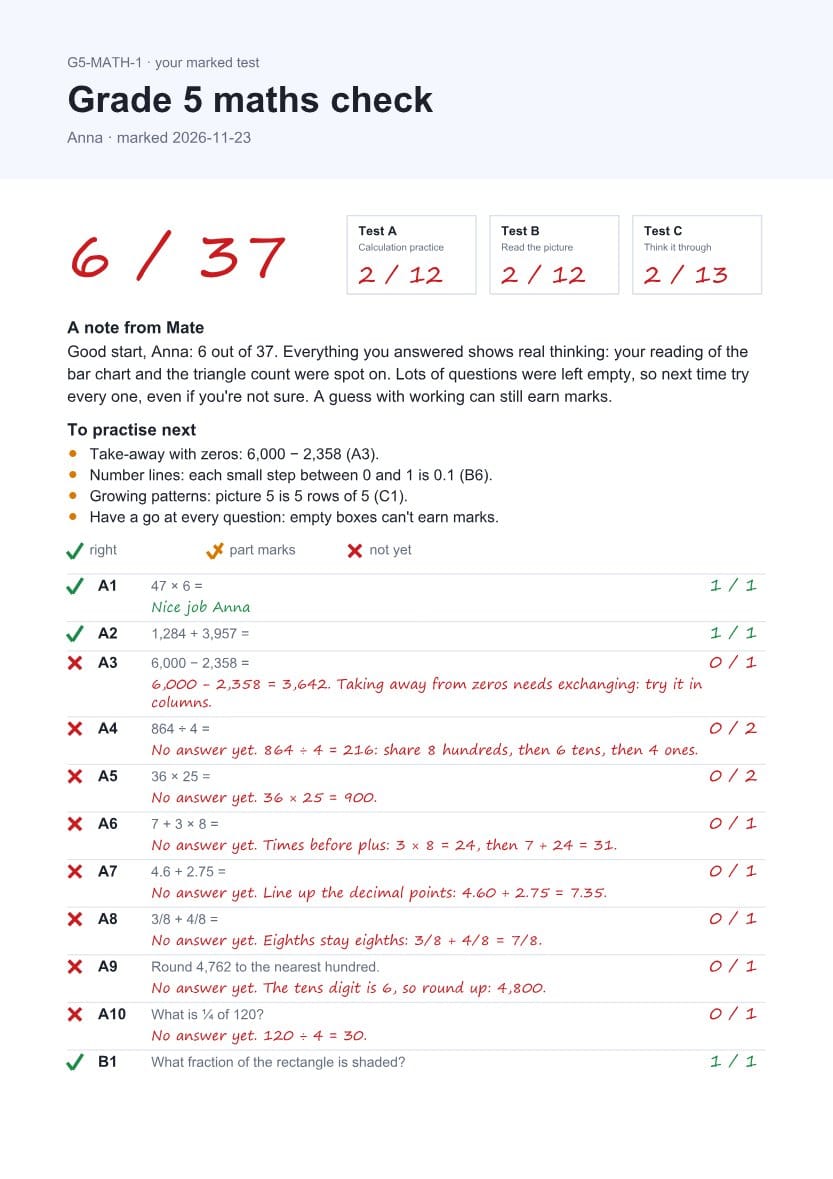
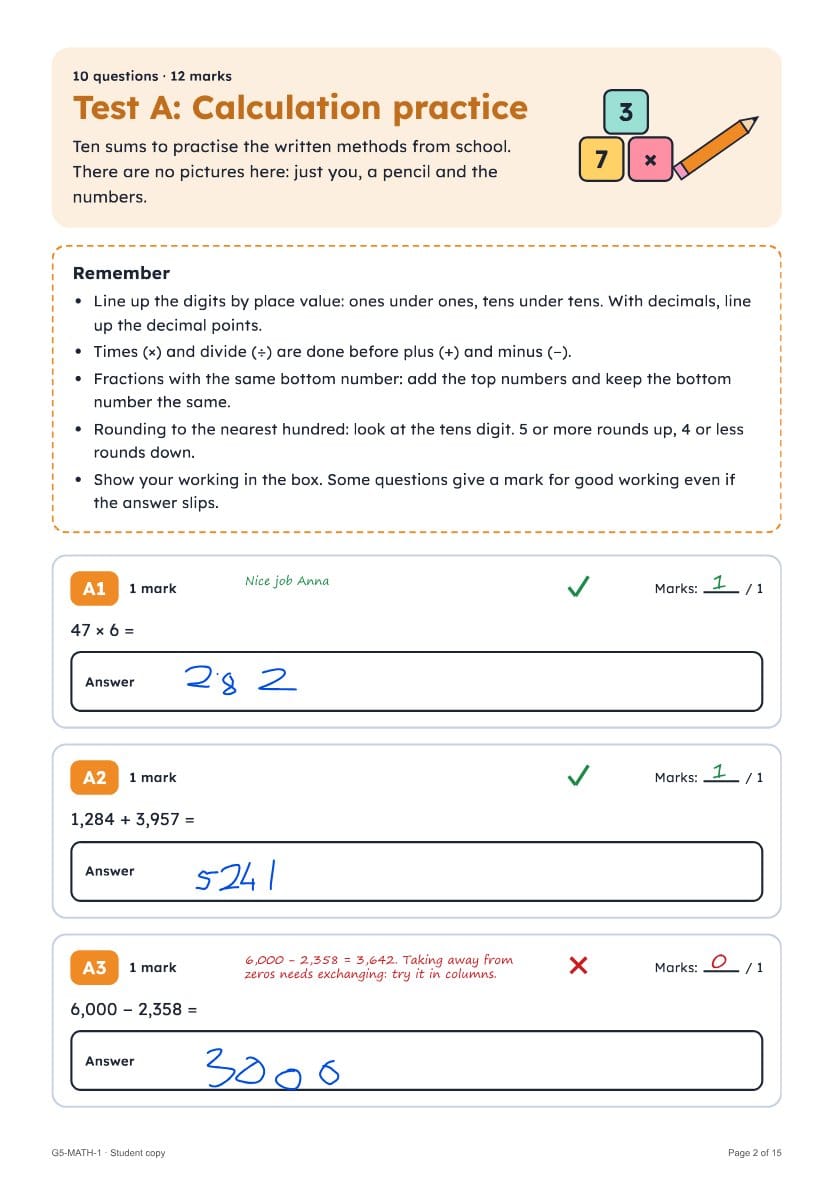
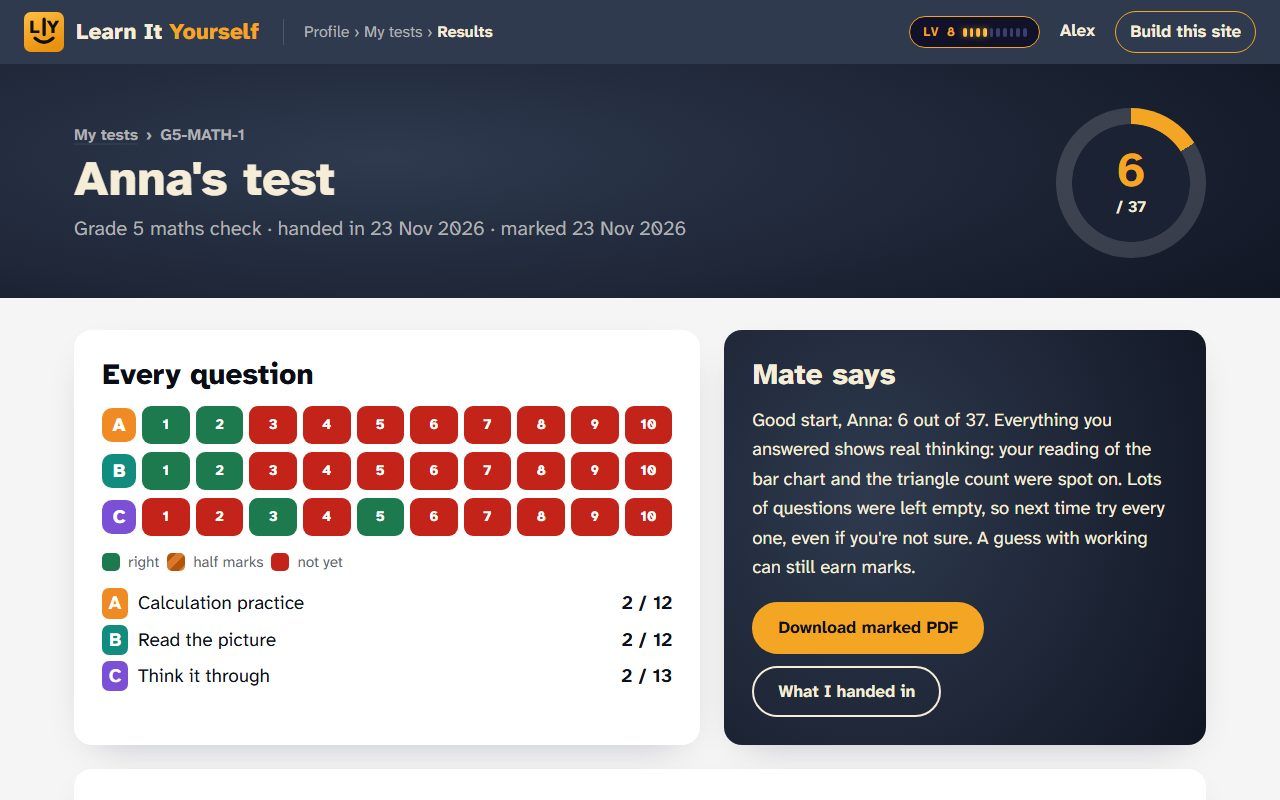
A first try with many questions left empty, and a tip for every one.
Download the marked PDFFamilies only see their own tests. Someone else's test looks exactly like a test that doesn't exist.
Answers stay hidden. Marking schemes live only in the server's code, never in a public file.
A human has the last word. The agent only proposes; Mate approves, and can take a result back.
Tested end to end. A practice run with a made-up paper must come out at exactly 27 of 37.
A weekly email with a genie
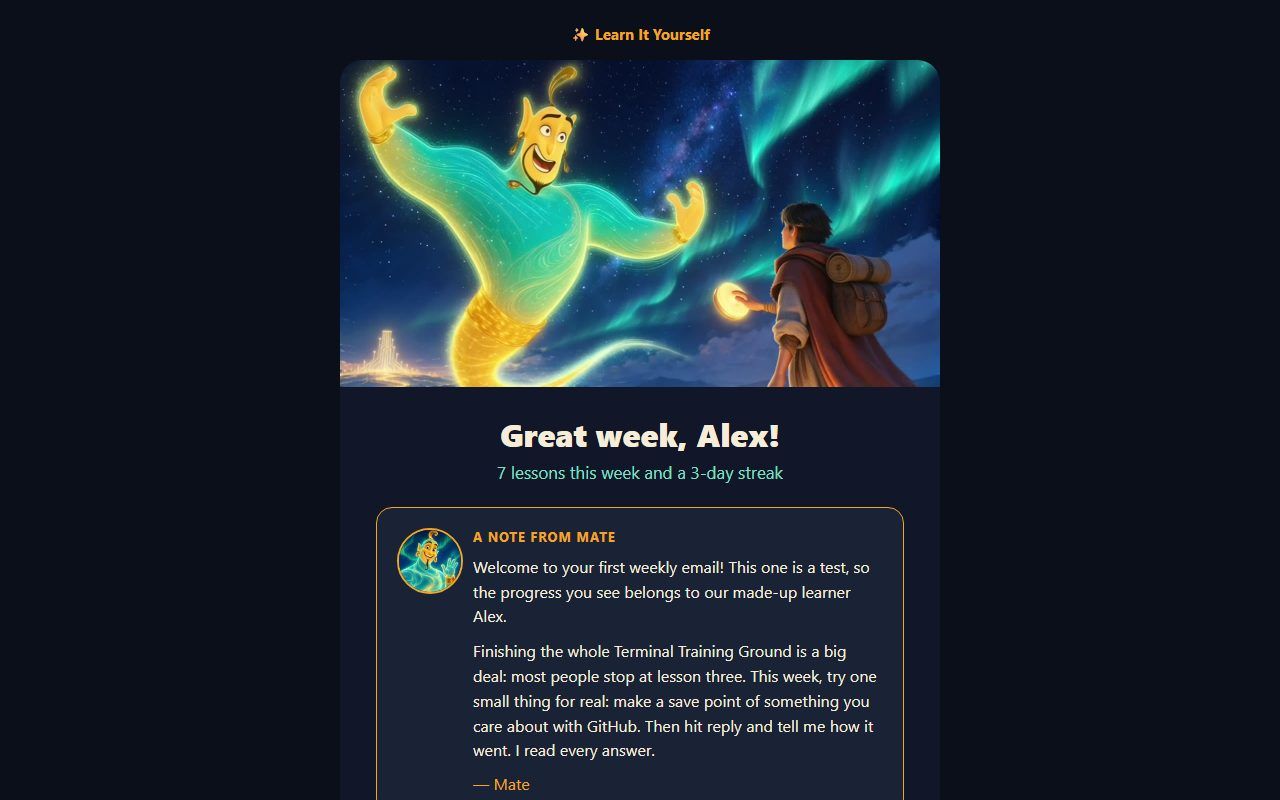
Once a week, members can get an email about their learning: lessons done this week, their streak, and “three wishes”, small next steps. Every email carries a personal note from Mate.
- Behind the scenes, the site works out each member’s week from their saved ticks
- The genie comes from the film on the Build this site page
- Sent by hand for now; members switch it off on their profile
- Wish 3 asks what to build next, and the vote is saved
Under the hood, in plain words
Want to build something like this?
You don't need to be a programmer. The free Fundamentals course from Prompt It Yourself shows you how to work with an AI agent, one small step at a time.