What you'll learn
- What an automatic test is, in plain words
- Why tests catch problems before your visitors do
- What Playwright is, and what a test looks like
- How to read a failed test, step by step
- Screenshots, videos, PDFs and web chores without testing
- How Playwright lets Claude see and check its own work
This site has been tested with Playwright since 22 November 2026. The test results, screenshots, videos and the PDF on this page were all made by Playwright, from this site.
Testing in general
What a test is, why it helps, and the tool we use.
What is an automatic test?
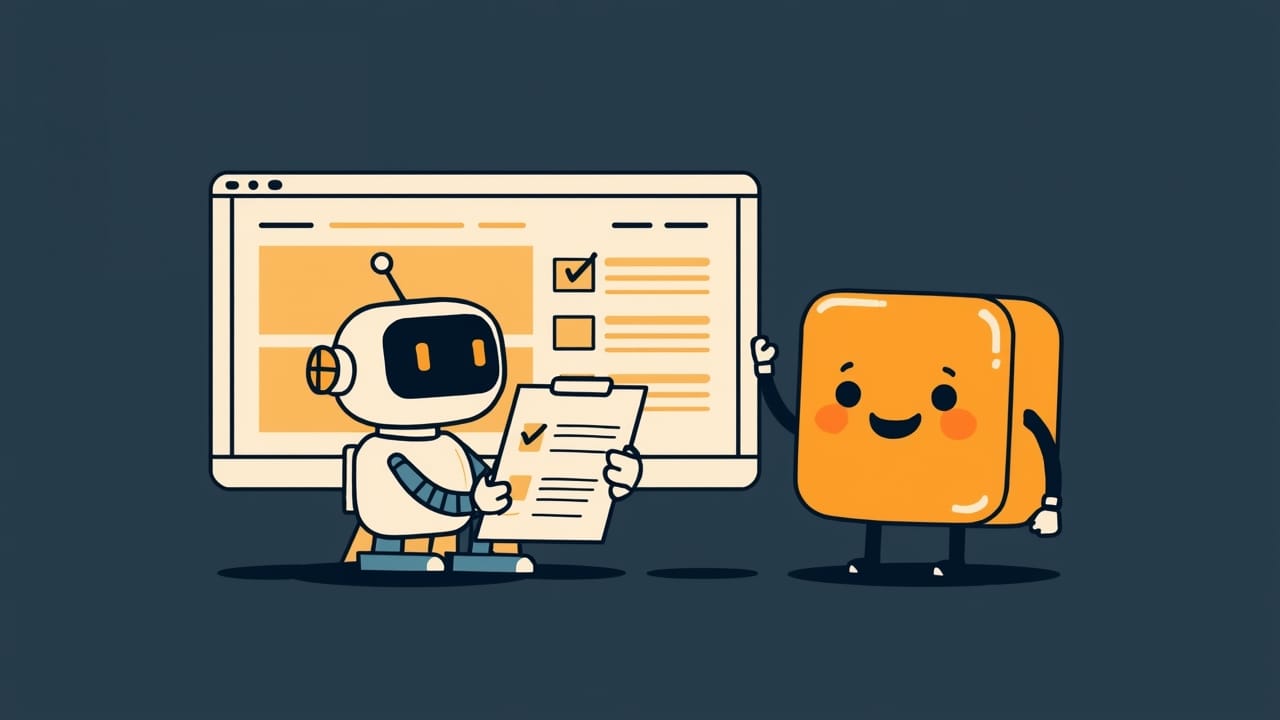
Picture a very patient helper who visits your website after every change. They follow a checklist: open the home page, click a course, tick a practice goal, log in, change the name on the profile. After each step they check that the page did what it should. If anything is off, they tell you exactly which step went wrong.
An automatic test is that checklist, written down so a computer can do it. A test run goes through every checklist in a few seconds and ends with one of two words for each: passed or failed.
👀 Checking by hand
You click around yourself. It works, but it's slow, you'd have to do it after every change, and it's easy to forget the profile page when you only changed a course.
🤖 Automatic test
The computer clicks around for you. It never gets bored, never skips a page, and checks a phone screen and a computer screen at the same time.
A test only checks what's on its checklist. It can say "the Save button works", but not "this colour is ugly". You still look at new things yourself; tests make sure the old things keep working.
Catching problems early
Every change can break something somewhere else. On 21 November 2026 a single apostrophe in the word "can't" stopped the whole profile page from working: the weekly email switch, the name and the reset button did nothing. Nobody noticed until you tried it.
Now, every time the site goes online, more than 70 tests run first. If one fails, nothing is uploaded. We put that exact apostrophe back on purpose, and three tests failed straight away with the message missing ) after argument list.

Practise: this pretend test lab checks a small bakery order page. Run the tests after Claude's change to see one fail, then run them again after the fix.
Meet Playwright
Playwright is the robot visitor. It's a free tool made by Microsoft that opens a real web browser and uses it the way a person would: it opens pages, clicks buttons, types into boxes, scrolls and reads what's on the screen. The only difference is that it does it in a split second, and usually without showing a window at all (that's called headless).
In the tests folder of your project. You never open it: you say "run the tests", or just "go live", and Claude does the rest.
Playwright for testing
How a test is written, which screens it checks, and what you get when one fails.
What a test looks like
A test is a short list of actions and checks. Here is a real one from this site, with the same steps in plain words next to it. You'll never write this yourself; Claude does. But it helps to know it's just a checklist.
- Open the profile page
- Type "Alex Tester" in the name box
- Click "Save name"
- Check: the page says "Saved."
- Open the GitHub Basics course
- Check: the top bar shows "Alex Tester"
Notice "the button named Save name" and "the box labelled How should we call you?". Playwright looks for what's written on the screen, not hidden code, so the test keeps working when the design changes. It also waits by itself until a button is really there and clickable.
Practise: put the steps of a new test in the right order. Click them from first to last.
Computer, phone and more
Playwright can pretend to be many kinds of visitor without owning any of those devices. On this site, every test runs twice: once on a computer screen and once as a Pixel 7 phone. That's how we found that two courses were too wide for phones.
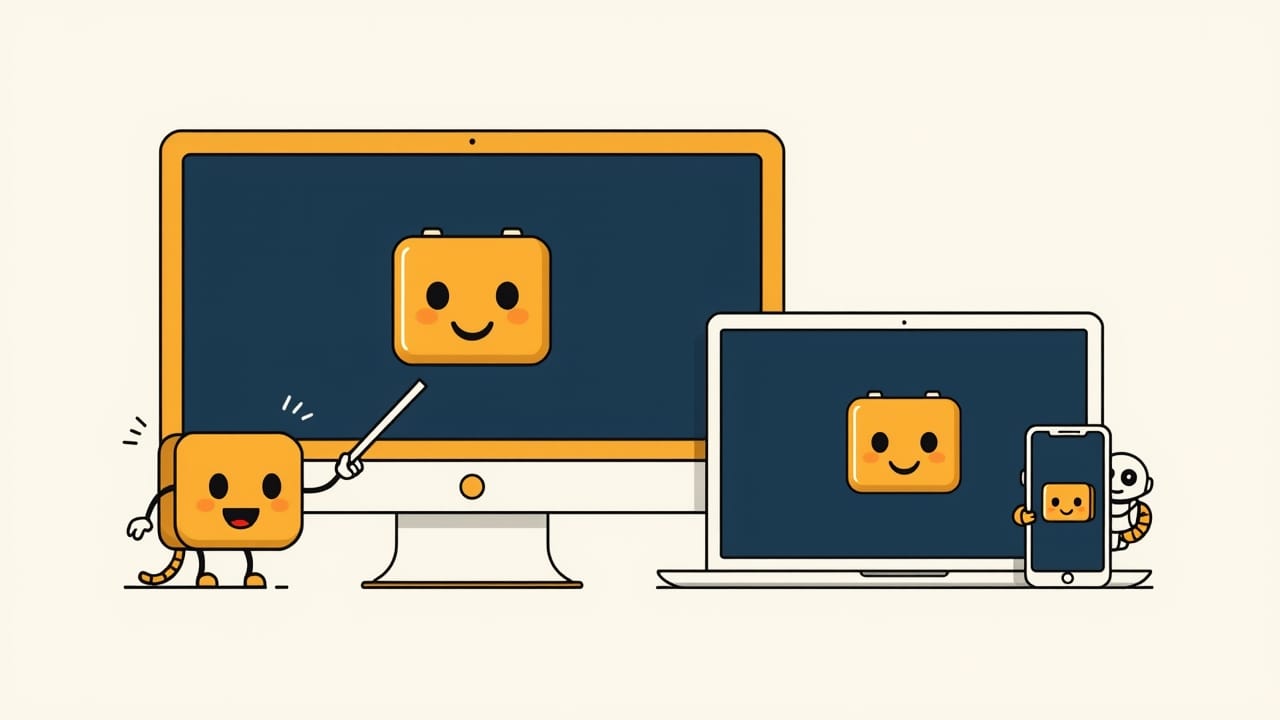
A pretend phone has the right screen size and touch, but it isn't a real iPhone in your hand. For something important, still have a quick look on your own phone.
When a test fails
When a test fails, Playwright doesn't just say "failed". It keeps evidence: a screenshot of the moment it went wrong, and a trace, a step-by-step recording you can replay like a video, with what the page looked like at each step. Claude reads these to find the cause.
Practise: this is a pretend trace of the failed name test. Click through the steps and find the one that went wrong.
Beyond testing
The same robot visitor is good at much more than checking.
Screenshots and videos

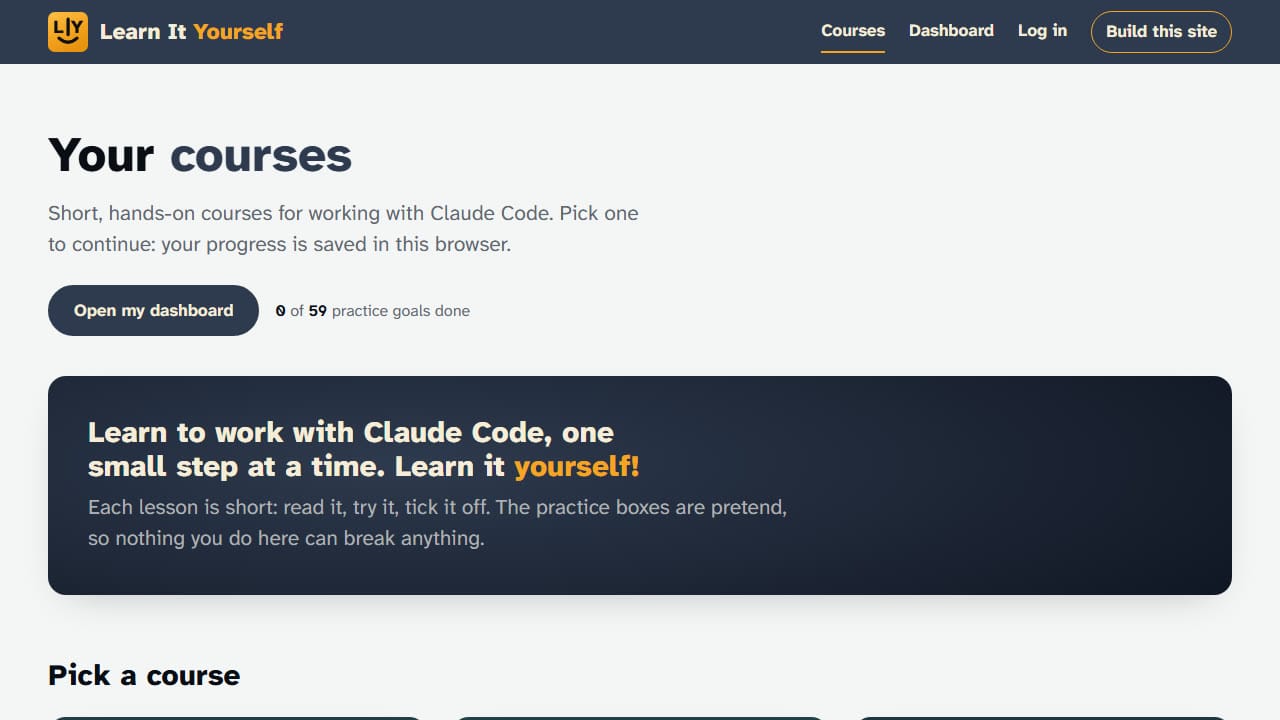
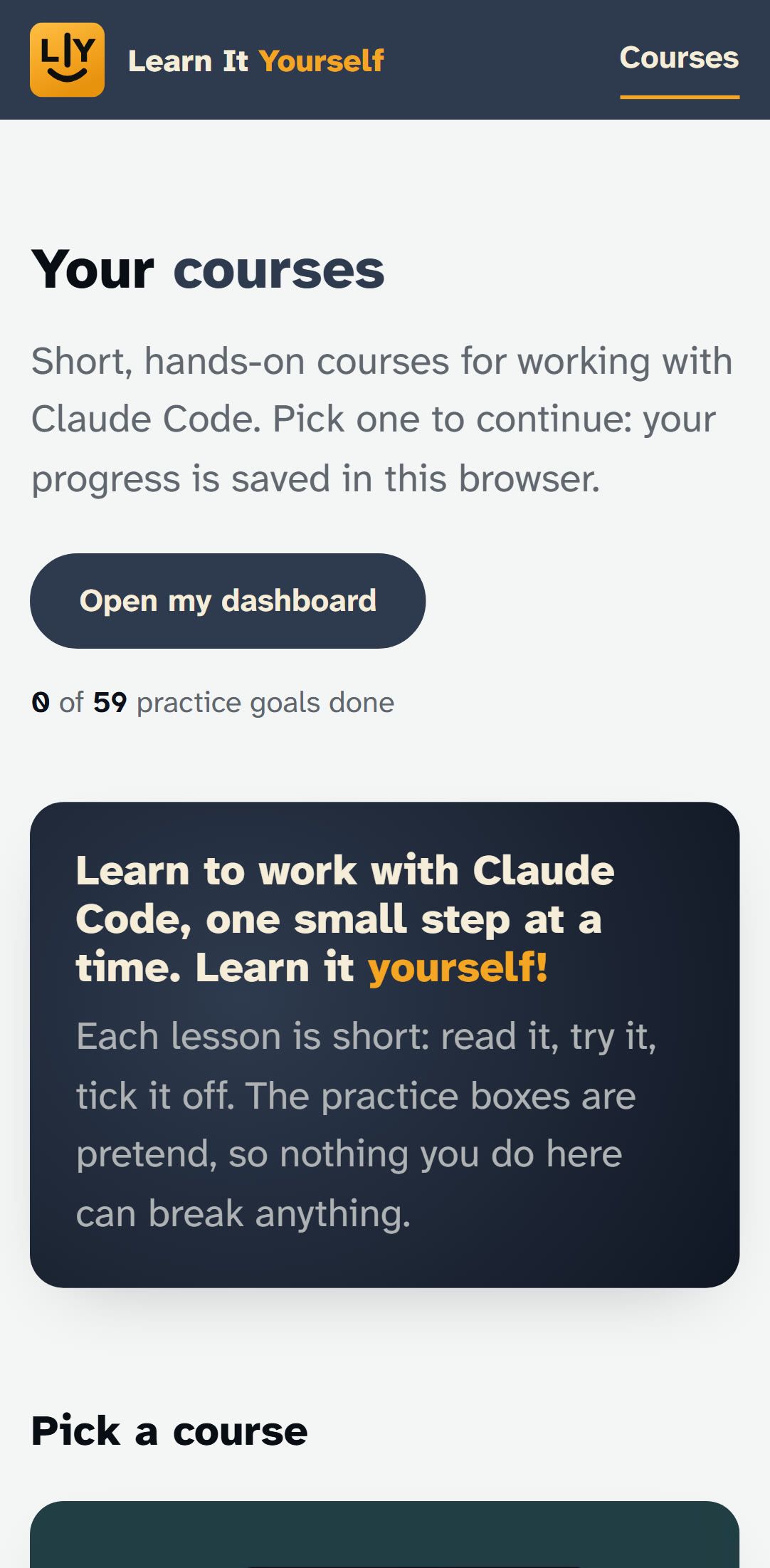
Because Playwright really opens your pages, it can photograph them: the visible part, the whole page from top to bottom, or just one box. These two were made by Playwright from this site's home page:
It can also record a video of everything it does. These are real recordings of two made-up members on a test copy of this site: they log in with an email code, answer quiz questions wrong and then right, change their name, and check that everything was saved.
Web chores and PDFs
Anything you do in a browser by clicking and typing, Playwright can do for you, on a schedule if you like. That makes it handy for small, boring jobs:
Use it on your own sites and your own accounts. Many websites don't allow robots in their rules, and some block them. Keep passwords for these jobs in piy-sops, never in the code. If in doubt, ask Claude to check the site's rules first.
Giving Claude eyes
Claude writes your pages, but on its own it can't see them. Playwright changes that. Claude can open the page, take a screenshot, look at it, click around, and notice "the button is hidden behind the footer on phones", then fix it and look again. That's how the design problems on this site were found: Claude screenshotted every page on a computer and a phone, and looked.
There are two ready-made ways to give an AI helper a browser:
🔌 Playwright MCP
An add-on that gives Claude its own browser to use while you chat. It reads a page's structure the way a screen reader does (fast and exact), and can click, type, fill forms and take screenshots. Claude installs it with one command, and it's free.
🧑🔧 Test agents
Playwright comes with three AI helpers: a planner that explores a site and writes a test plan, a generator that turns the plan into tests, and a healer that fixes tests that broke after a change.
You describe what you see ("the login button does nothing on my phone"). Claude opens the same page as a phone, reproduces it, fixes it, writes a test so it can't come back, and sends you a screenshot or video to approve. You check results, not code.
In real life
How others use it, what to say to Claude, and a quiz.
How people use it
Practise: which Playwright skill fits each job?
What to say to Claude
You never need to know the commands. These are things you can just say:
When something breaks, ask for a test that catches it along with the fix. Each bug then becomes one more thing that's checked forever.
Can Playwright do this?
Eight business situations. For each one, answer yes if Playwright is the right tool, or no if it isn't.
Cheat sheet and words
Words in this course
- Test
- a checklist a computer follows
- Test run
- doing every checklist once
- Pass / fail
- did every check come out right?
- Headless
- a browser with no window
- Trace
- a step-by-step replay of a test
- Flaky test
- passes sometimes, fails sometimes
What Playwright can do
- Test
- click, type and check pages
- Screens
- phones, dark mode, other places
- Pictures
- screenshots, whole page or one box
- Video
- record a whole visit
- save a page as a document
- Chores
- forms, downloads, page watching
On your site
- Tests
- over 70, about 35 seconds
- Screens
- computer and Pixel 7 phone
- When
- before and after every go-live
- Members
- made-up test members, nothing sent
- Cost
- free
What it can't do
- Visitors
- count them: that's analytics
- Taste
- say if a design is nice
- Fixing
- it finds problems; Claude fixes
- Real phones
- it pretends, it doesn't hold one
Does Playwright cost anything?
No. It's free and open source. It runs on your own computer, so there's nothing to pay and no account to make.
Does it slow down my website?
No. The tests run on your computer, mostly on a test copy of the site. Visitors never notice them.
Will tests ever send real emails or change real members?
Not on your site. The tests use a test copy with made-up members, and login emails are caught instead of sent. After going live, the tests only look at public pages.
A test failed but the site looks fine. Now what?
Tell Claude. Sometimes the site is broken in a way you didn't notice yet; sometimes the test itself needs updating after a planned change. The screenshot and trace show which one.
Can Playwright test on my real iPhone?
It pretends to be one: the right screen size, touch, and Safari's engine. That catches most problems. For something important, still look on your own phone once.